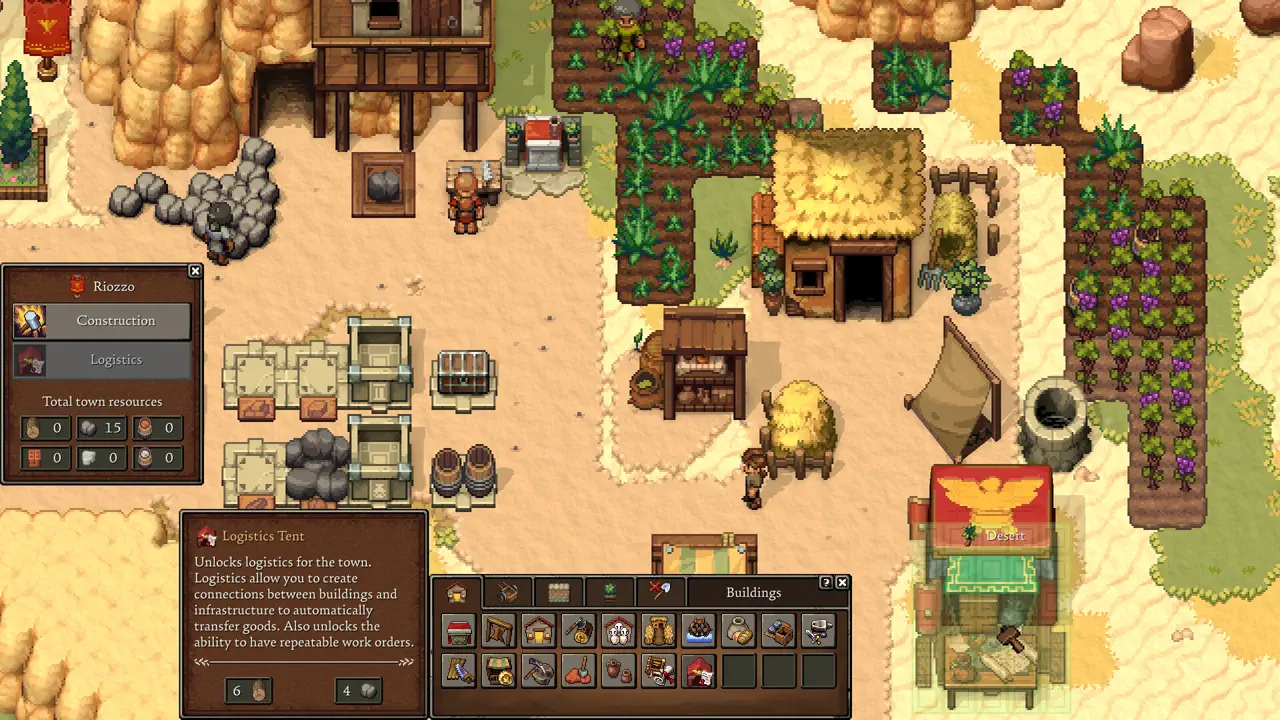
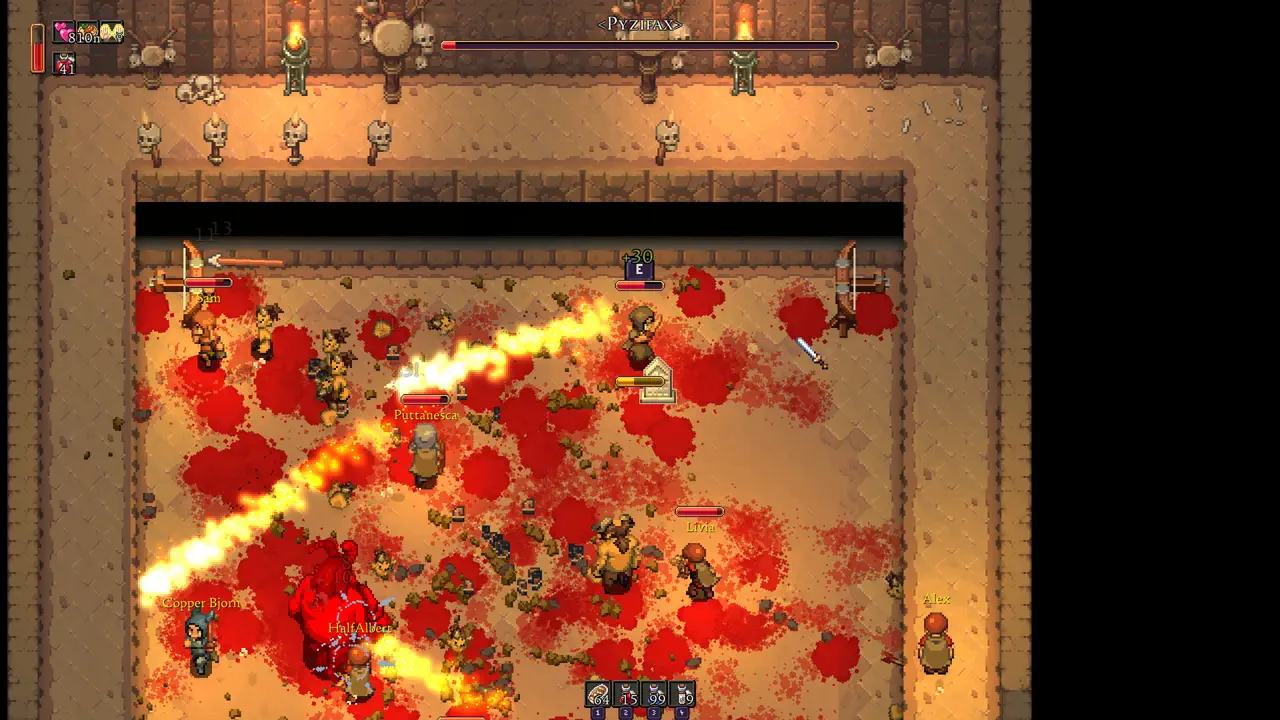
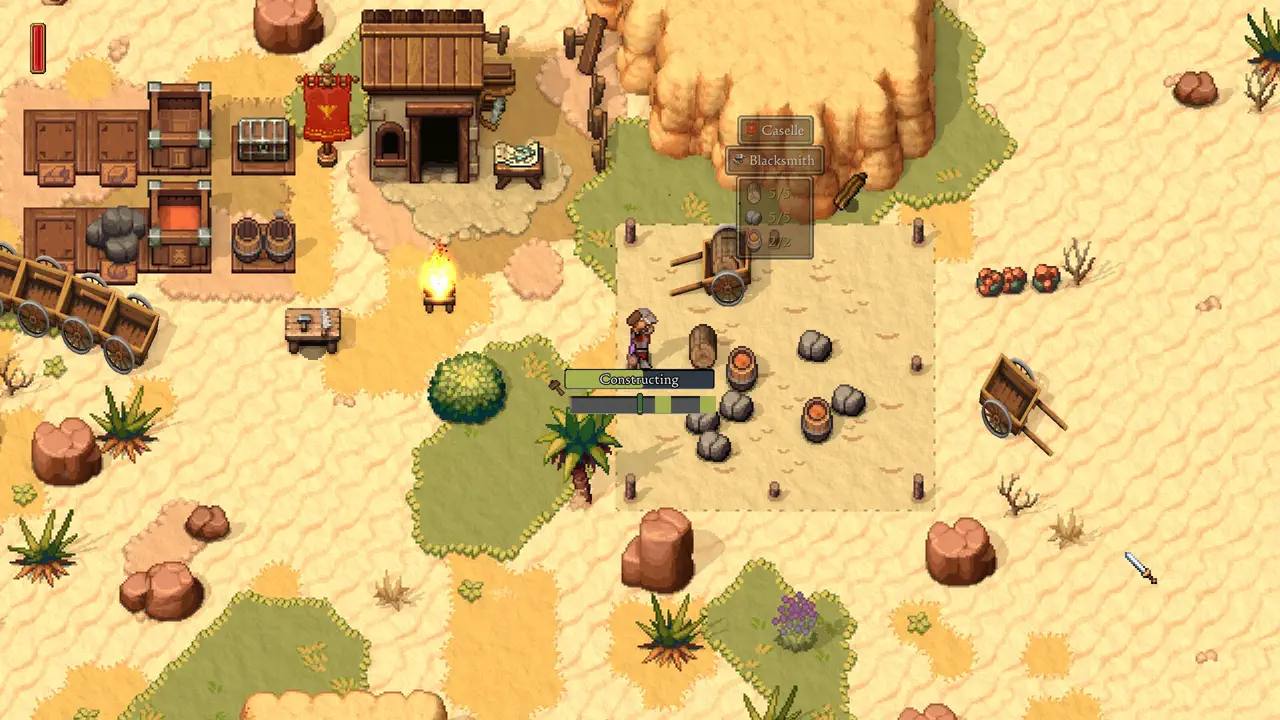
Use this as a handheld checklist: controls, text size, battery, performance, cloud saves, and co-op comfort.
Deck Checks Before a Long Save
Open menus, place buildings, manage storage, read small text, fight at night, and test battery behavior before treating the Deck as your main platform.
Actions
Do this now
Controls and Readability
Building and inventory-heavy games can feel different on handheld controls. If cursor precision or text size feels rough, use a short refund-window test before a long run.
Actions
Do this now
Best Handheld Test Route
Do not judge Steam Deck comfort from the title screen. Build a small structure, move items through storage, read menus, fight a short encounter, and check battery drain before deciding.
Actions
Do this now
Why This Page Stays Conservative
Steam Deck labels and player reports can change quickly after launch. This page should upgrade from cautious advice only when there is a stable compatibility signal.
Actions
Do this now
Steam Deck Buy-or-Wait Test
For Deck-first players, the right question is not only whether Romestead launches. The better question is whether building, storage, reading menus, and fighting are comfortable on a small screen for a full session.
Actions
Do this now
- Buy only if you are willing to test within the refund window.
- Wait if you need verified status, large text, and stable late-game performance.
- Use desktop first if you plan a serious co-op world and Deck support is uncertain.
- Retest after major patches because compatibility labels can change.
Controls Matter More Than FPS Alone
A steady frame rate is not enough for a town builder. If building placement, item movement, or menu reading feels awkward, the game can be technically playable but still a poor handheld fit.
Actions
Do this now
Deck Players Need a Different First Hour
Desktop players can focus on progression, but Deck-first players should spend the first hour testing comfort. Build, move resources, read several menus, fight briefly, and suspend the system once. If any basic action feels annoying in the first hour, it will feel worse in a long settlement save.
Actions


