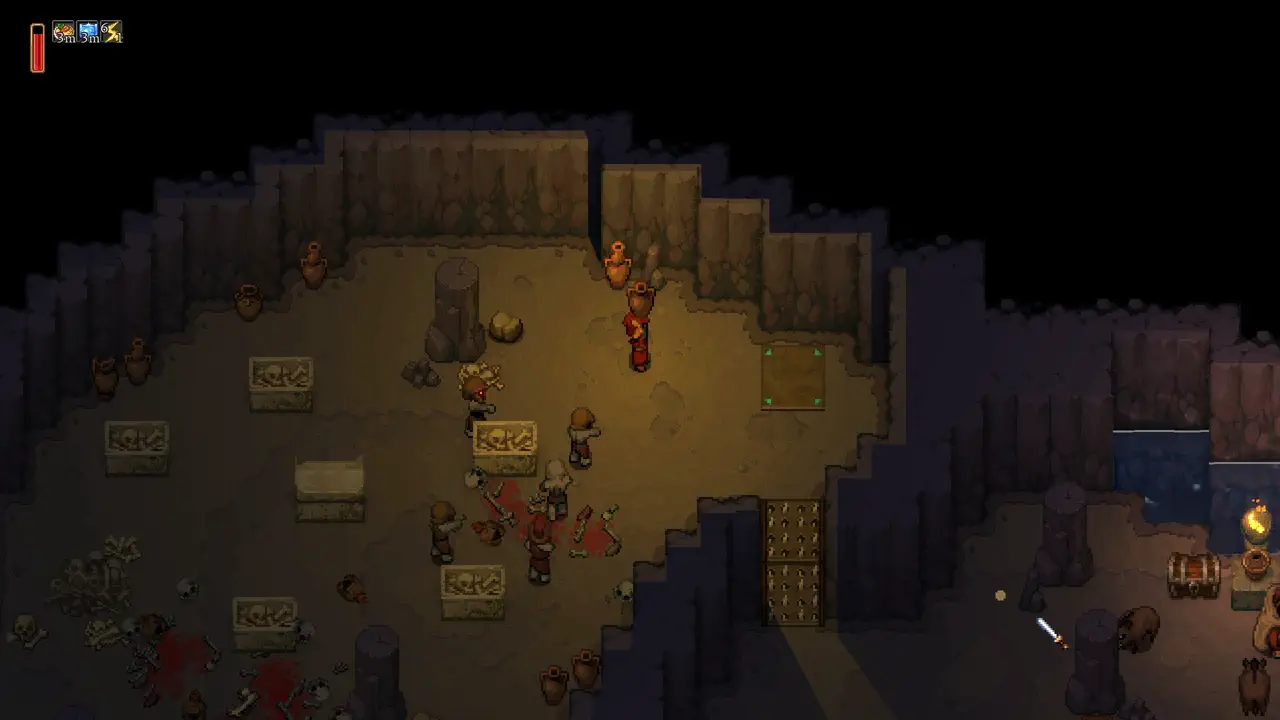
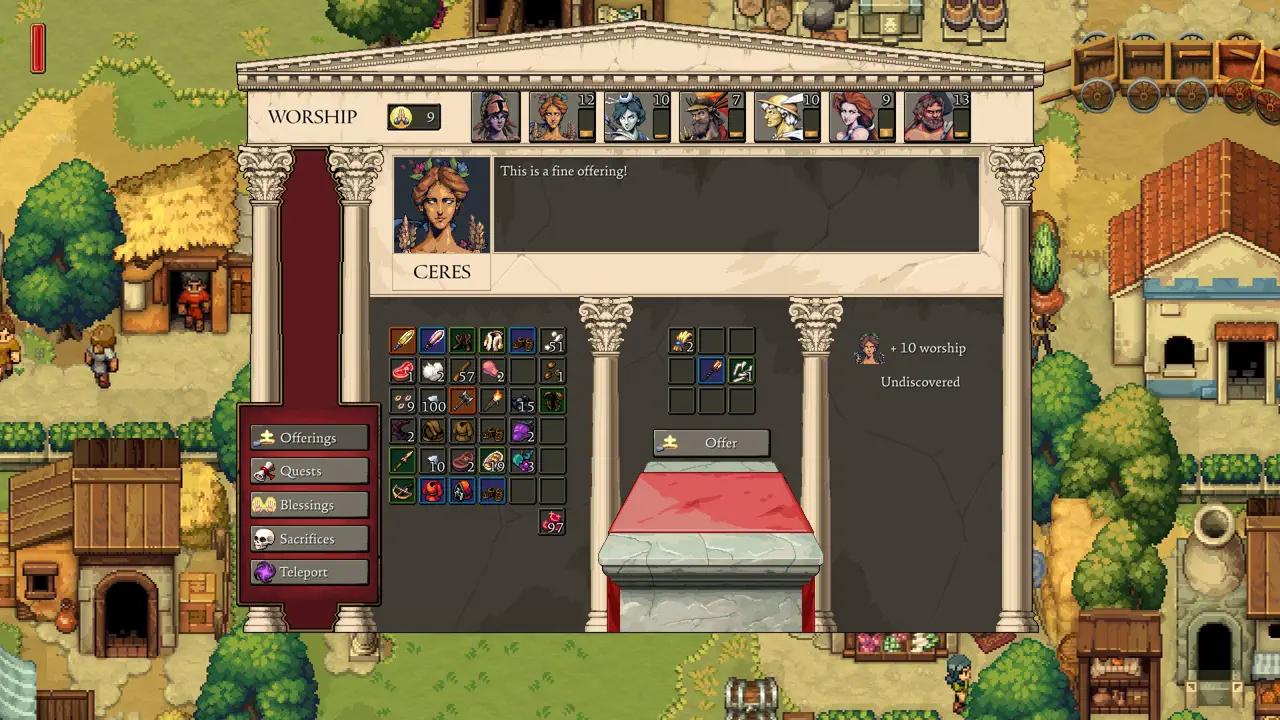
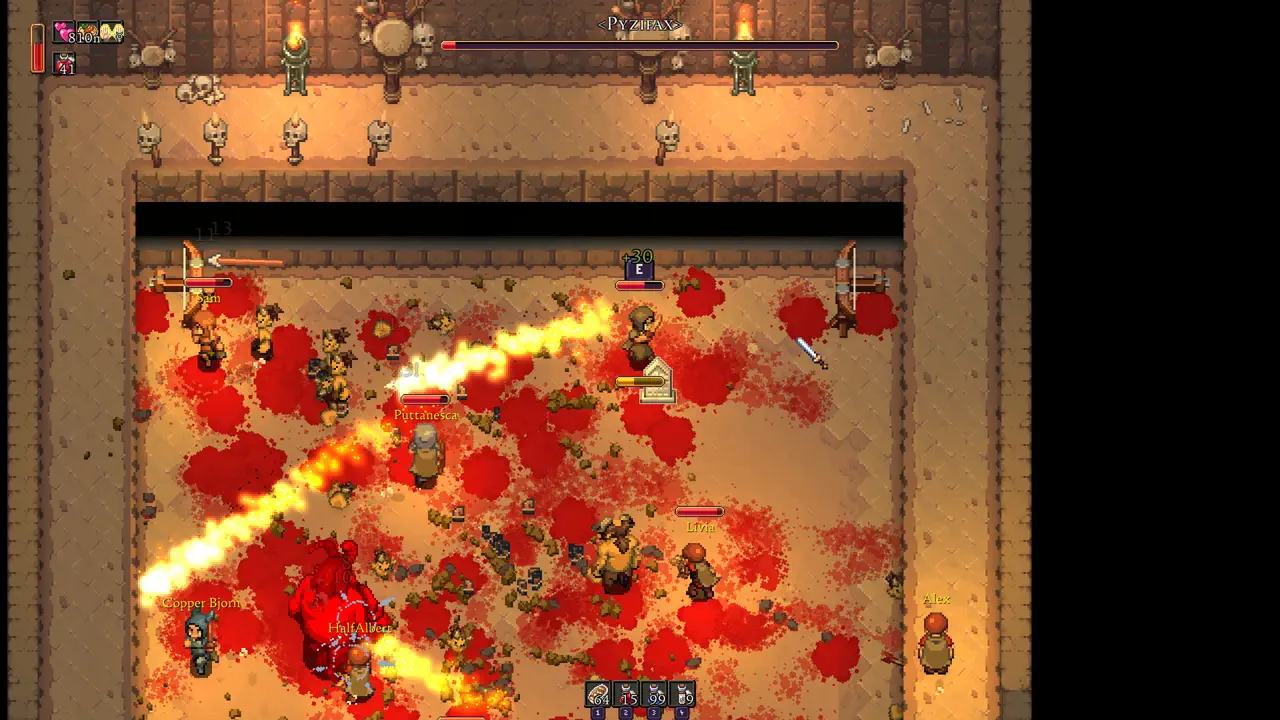
Check requirements before buying, especially if you plan to host co-op or play on older hardware.
What to Test First
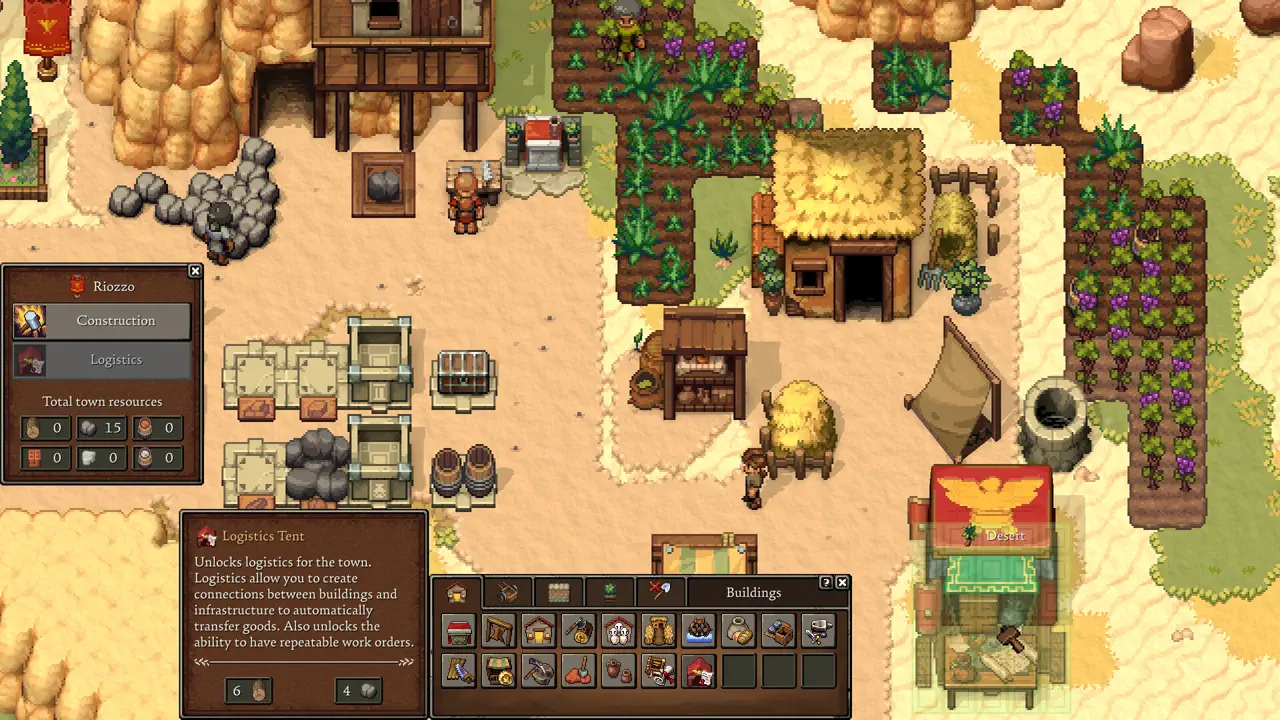
After install, test a short session with building, gathering, menu navigation, camera movement, and co-op if you plan to play with friends.
Actions
Do this now
Performance Habits
Keep graphics settings practical, close capture-heavy background apps, and test a save after the first settlement expands.
Actions
Do this now
Why Minimum Specs Are Not Enough
A survival town builder can become heavier after more buildings, workers, crops, enemies, and co-op players enter the save. Treat the first hour as a baseline, then retest once the settlement grows.
Actions
Do this now
When to Use This Page Again
Return to this page after major patches, before a co-op campaign, and before switching to handheld play. Performance advice is most useful when tied to the exact way you plan to play.
Actions
Do this now
What Specs Cannot Tell You
Minimum requirements only answer whether the game should start. They do not prove comfort in a growing settlement. Romestead can become more demanding when there are more buildings, workers, crops, enemies, and co-op activity on screen.
Actions
Do this now
Best Settings Test Before a Long Save
Run a practical test instead of staring at spec numbers. Move the camera around a built area, open storage, place a structure, fight briefly, and test co-op if that is your main mode. If any of those feel rough, fix settings before committing hours to the save.
Actions
Do this now
- Watch frame consistency while moving through a settlement.
- Check input response during building placement and inventory movement.
- Test heat, fan noise, or battery drain if playing on a handheld PC.
- Retest after patches because Early Access performance can move in either direction.
When Performance Gets Worse Later
If the first hour runs well but a later save feels worse, look at settlement density before blaming one setting. More farms, workers, storage movement, enemies, and co-op players can create heavier scenes. Test the same save after changing one thing at a time so you know what actually helped.
Actions


